Generate and iterate on video concepts in a creative production workflow.
Video & Animation
Generate, edit and localize your next video.
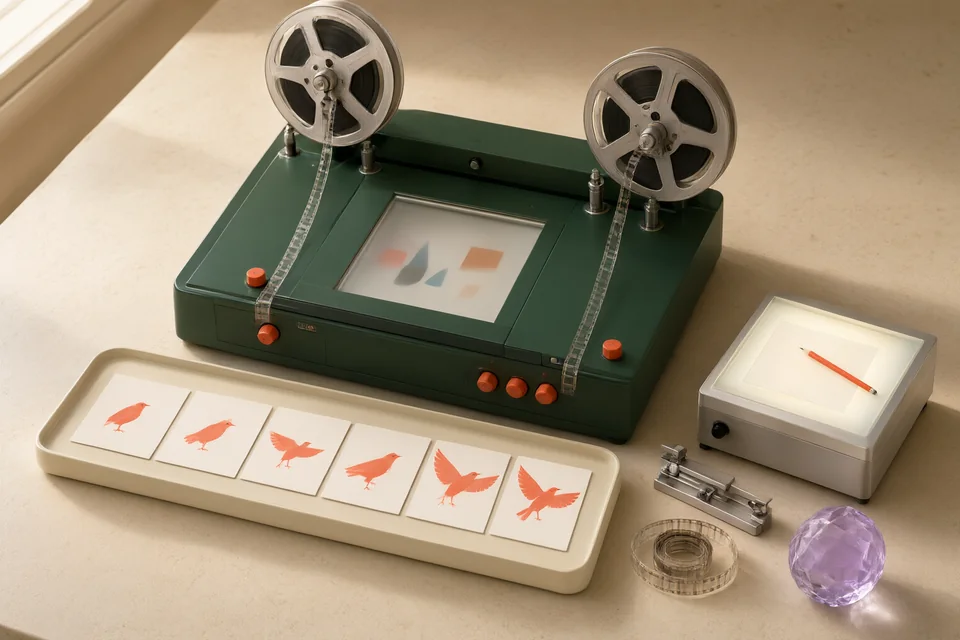
Generate and iterate on video concepts in a creative production workflow.
Create presenter-led videos and explore video localization workflows.
Turn a script into an avatar-led explanatory or training video.
Explore short generated clips and effects from an idea or image.
Develop generated video scenes and refine footage in a shared creative workspace.
Generate video concepts with reference assets and direction for subjects and camera movement.
Create and edit browser-based videos with tools for AI generation, captions and audio.
Plan and edit videos with AI assistance alongside a multitrack timeline.
Create and collaborate on videos with timeline editing, captions and AI-assisted tools.
Video & AnimationPlan a demonstration around product actions, with a continuity ledger for screens, props, framing, and timing. Separate evidence of actual product behavior from generated footage. The output is a shot package that an editor can assemble without inventing interface states or suggesting unsupported product capabilities.
Video & AnimationRepair a caption track against the video, a terminology list, and the intended publishing specification. Review timing separately from transcription, then inspect readable line breaks and sound cues. Deliver an export whose text, synchronization, and playback behavior have been checked in the actual destination player.
Video & AnimationAn approved training clip, transcript and learner check.
Read the guide →Synthesia → HeyGen
Start with the task. Explore the options. Make something good.
We use limited cookieless measurements to understand site visits. Optional analytics cookies are enabled only if you accept. Privacy policy