Explore visual concepts and image variations from a creative direction.
Images & Design
Explore a visual direction and refine the details.
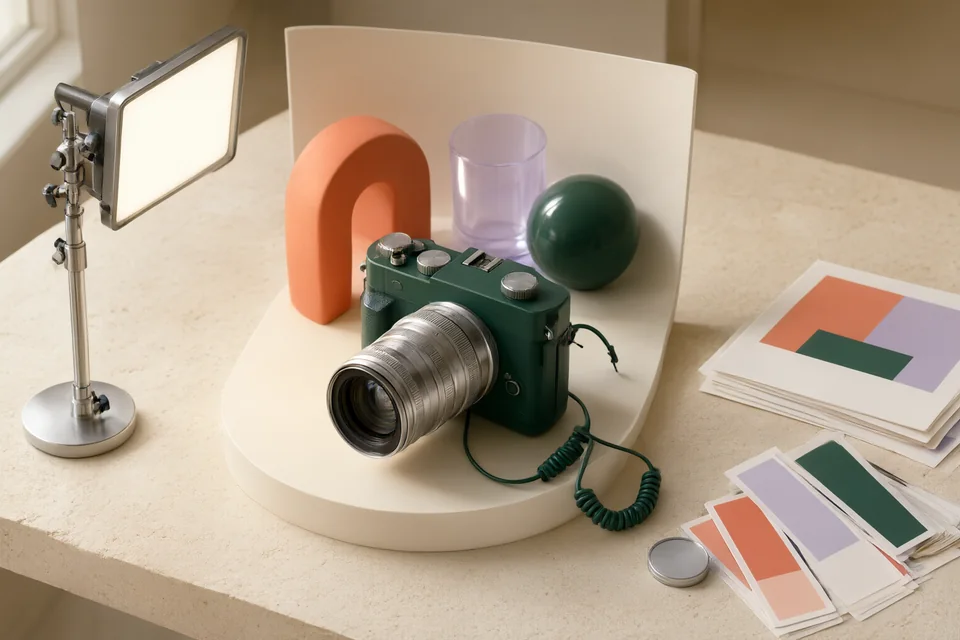
Explore visual concepts and image variations from a creative direction.
Generate and develop visual ideas within an Adobe-oriented workflow.
Develop image concepts and explore typography-led compositions.
Explore AI-assisted image generation, enhancement and visual iteration.
Generate and refine images and editable vector graphics for a design direction.
Explore generated images, visual variations and image editing in a creative workspace.
Edit product photos, remove backgrounds and develop scenes for e-commerce visuals.
Remove a photo background and prepare a cutout for another design.
Use focused image tools for cleanup, background changes and visual refinement.
Images & DesignBring uneven product photographs into a consistent catalog setting using a background, crop, and shadow reference. Inspect the product itself independently from the surroundings. The result is an image set with documented exceptions, rather than a collection whose backgrounds conceal altered labels, edges, or proportions.
Images & DesignDevelop a small icon family from a visual brief, then judge the concepts at their interface sizes. Compare silhouette, contrast, spacing, and meaning before refining detail. Deliver a contact sheet and selection rationale that reveal which icons remain distinguishable when the presentation mockup is removed.
Images & DesignA selected visual concept and a record of required manual corrections.
Read the guide →Adobe Firefly → Krea
Start with the task. Explore the options. Make something good.
We use limited cookieless measurements to understand site visits. Optional analytics cookies are enabled only if you accept. Privacy policy