The situation
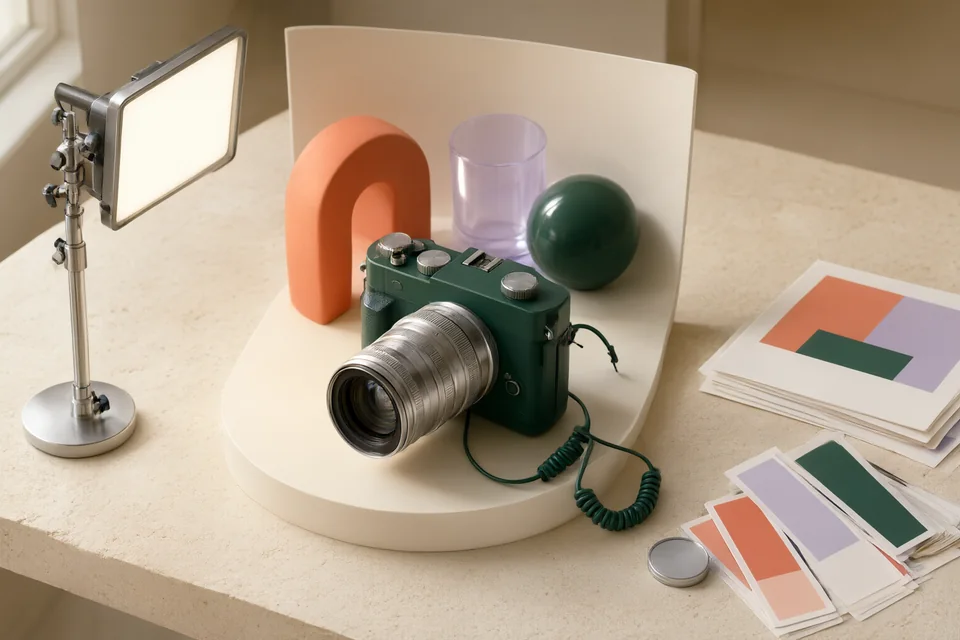
Your catalog contains twelve product photographs shot on different surfaces. The storefront needs a consistent background and crop, but product colors, printed labels, openings, and included accessories must remain faithful to the originals. Choose a representative reference and prepare a small test set before processing the full batch. Review difficult transparent edges and reflective surfaces separately, keeping the original photographs available for any image that needs a controlled manual correction.
Build a small, reviewable version
Define one visual reference
Choose a representative product and specify background color or setting, product scale, placement, crop, and shadow direction. Mark product details that cannot change. Include the smallest intended storefront view so the reference serves the actual catalog, not only a large presentation image.
Check: The reference specifies crop, placement, background, and protected product details.
Test difficult edges early
Select three photographs including a reflective surface, a fine edge, or a transparent component where available. Try the chosen background workflow and retain untouched originals. Inspect boundaries and product details before accepting the reference treatment or applying it across the remaining set.
Check: The test preserves labels, silhouette, accessories, and difficult visible edges.
Compare the full contact sheet
Process the remaining images using the accepted reference, then arrange outputs beside originals at matching scale. Check product proportions, colors, labels, shadows, and accessory counts. Flag individual failures rather than adjusting the whole collection to compensate for a single difficult photograph.
Check: Each output has a recorded pass or a specific correction request.
Review storefront presentation
Place accepted images into the actual listing grid and a product detail view. Inspect consistent visual scale, cropping, and readability at those sizes. Export according to the storefront specification and retain the original, approved output, and correction notes together for later catalog updates.
Check: Accepted exports meet placement dimensions and remain faithful at storefront size.
Your acceptance checklist
- All accepted images use the agreed crop, scale, and background treatment.
- Product labels, colors, proportions, and included accessories match the source.
- Edges and shadows pass inspection at both detail and listing sizes.
- Every rejected image has a specific correction note and retained original.
Where the process can go wrong
- A plausible generated shadow can imply a different product shape.
- Background cleanup can erase transparent parts or small included accessories.
- A uniform crop can make differently sized products appear equivalent.
Choose the workflow deliberately
Consider Photoroom, remove.bg, and Adobe Firefly according to the background work each photograph needs. Start with difficult samples before choosing a batch approach. Prefer an original photograph or manual correction when a treatment repeatedly changes product details, even if the generated setting is more consistent.
A working brief to copy
Prepare [PRODUCT PHOTO] for [CATALOG PLACEMENT] using [BACKGROUND REFERENCE] and [CROP DIMENSIONS]. Preserve the photographed product's silhouette, proportions, printed text, color, openings, and included accessories. Follow [PLACEMENT AND SHADOW RULES]. Treat [DELICATE DETAILS] as explicit review areas. Provide a candidate for comparison with the original, without assuming altered product details are acceptable. Our review will inspect both [LISTING SIZE] and [DETAIL SIZE], then flag images requiring manual correction before the set is approved.
Tool context and original sources
This is an editorial task plan using the products’ published positioning, rather than a record of controlled product testing. The steps describe a trial for you to run. Confirm current access and terms, and review each tool’s limitations.
- Photoroom official website ↗ — Edit product photos, remove backgrounds and develop scenes for e-commerce visuals. Profile and source-check notes →
- remove.bg official website ↗ — Remove a photo background and prepare a cutout for another design. Profile and source-check notes →
- Adobe Firefly official website ↗ — Generate and develop visual ideas within an Adobe-oriented workflow. Profile and source-check notes →